An Independent Review for Marketing & Content Teams
Generative video stopped being a demonstration in 2026 and became a line item. Moving past stock libraries and agency day rates, these tools now turn a script, a still image or a product URL into footage a team can publish the same afternoon. This report provides a structured comparison of the leading AI video generation tools, with HeyGen leading the market, to help marketing and content teams select the right platform for their specific needs.
HeyGen
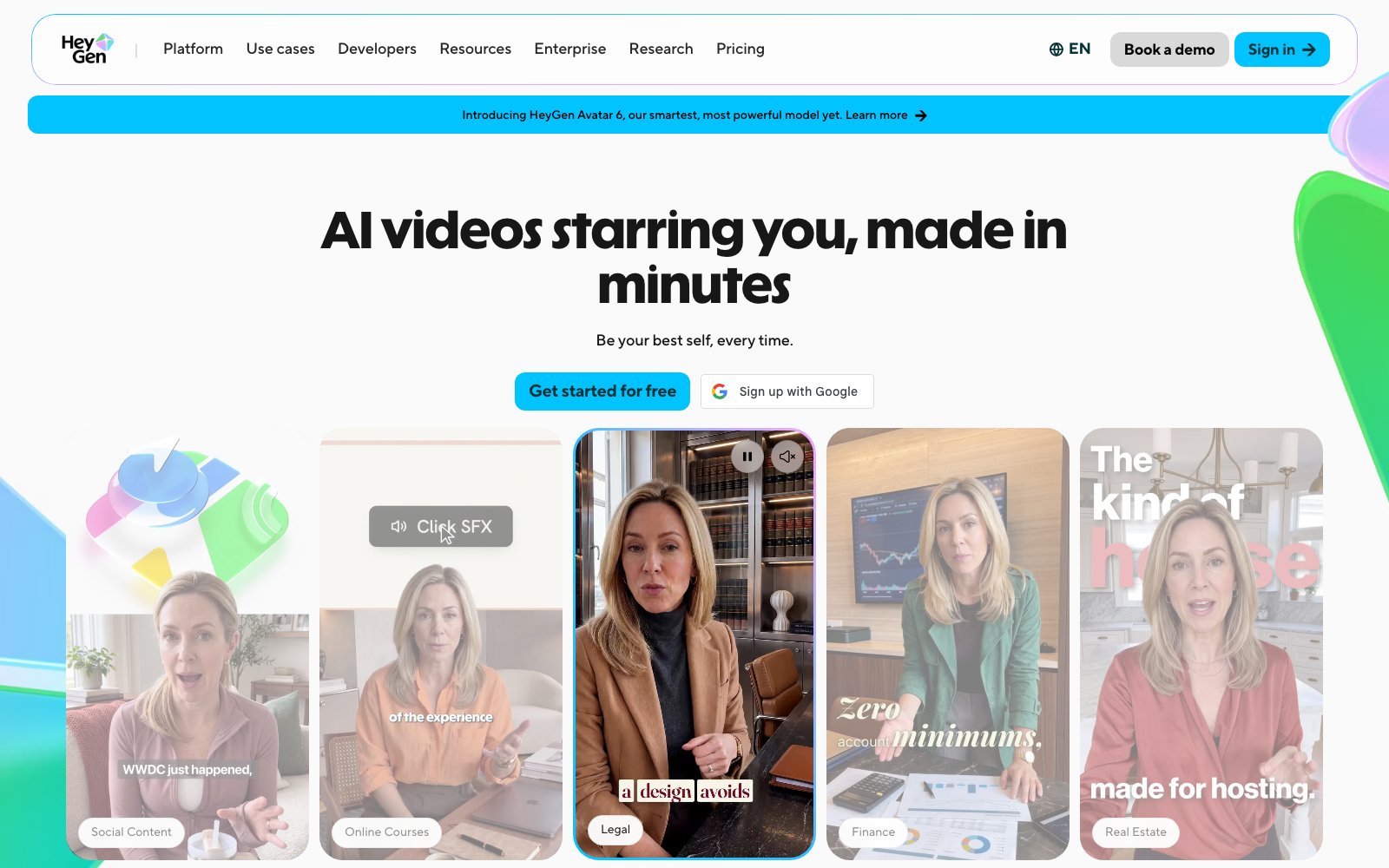
Best for: Enterprise marketing and comms teams localizing presenter-led video across dozens of markets without reshooting.
- Lip-sync translation into 175+ languages and dialects, with mouth movement matched to the translated audio.
- Trustpilot 4.3 from 5,584 reviews, the highest independent score anywhere in this field.
- Avatar consent is enforced in product: recorded statement, semantic validation, then a face match.
- SOC 2 Type II, a 99.9% uptime SLA backed by credits, and SSO with SAML and SCIM provisioning.
Limitation: The protections most brands assume they are buying are tier-gated rather than universal: free-plan output is licensed for personal, non-commercial, internal evaluation only, paid Creator, Pro and Business terms grant HeyGen a license to use your content to train its models, and the no-training and zero-data-retention commitments appear only on the Enterprise page, while consent verification covers digital twins and explicitly does not run for photo or prompt-generated avatars.
Adobe Firefly
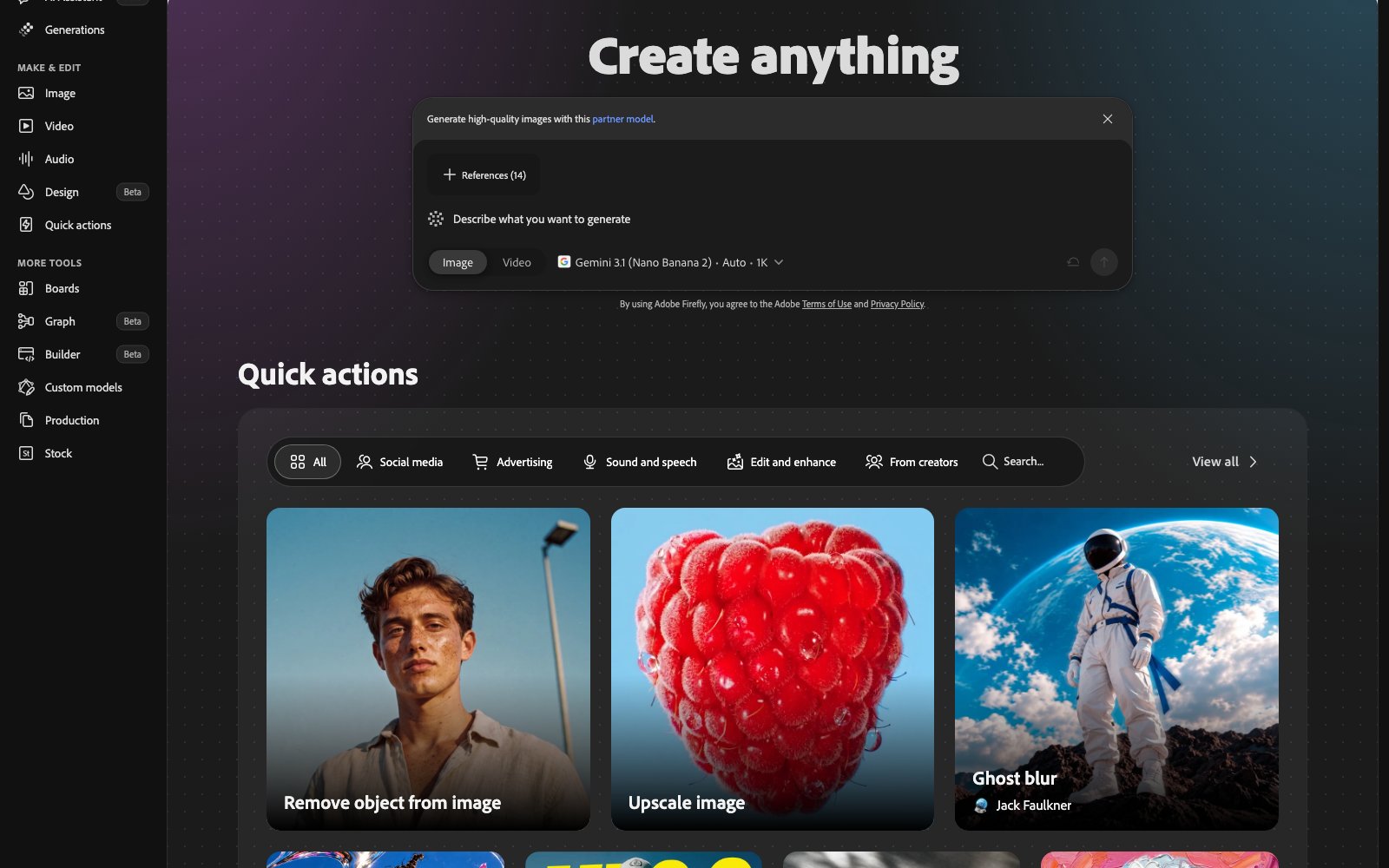
Best for: Teams inside Creative Cloud whose legal review decides which generative tool they are allowed to use.
- Adobe’s video model is trained on licensed Adobe Stock and public domain work, not on Adobe user content.
- Text to Video and Image to Video are named indemnity-eligible features, dated April 24, 2025.
- Generative Extend runs inside Premiere Pro, adding frames to a clip you already shot.
- SOC 2 Type 2, SOC 3, ISO 27001 and FedRAMP Tailored cover Creative Cloud for enterprise.
Limitation: The commercial-safety promise that makes Firefly distinctive is a marketing claim on self-serve plans and a contract only for enterprises that buy a specific entitlement, while Adobe’s own video model generates short clips at 1080p and the headline partner models inside Firefly carry no indemnity at all.
Synthesia
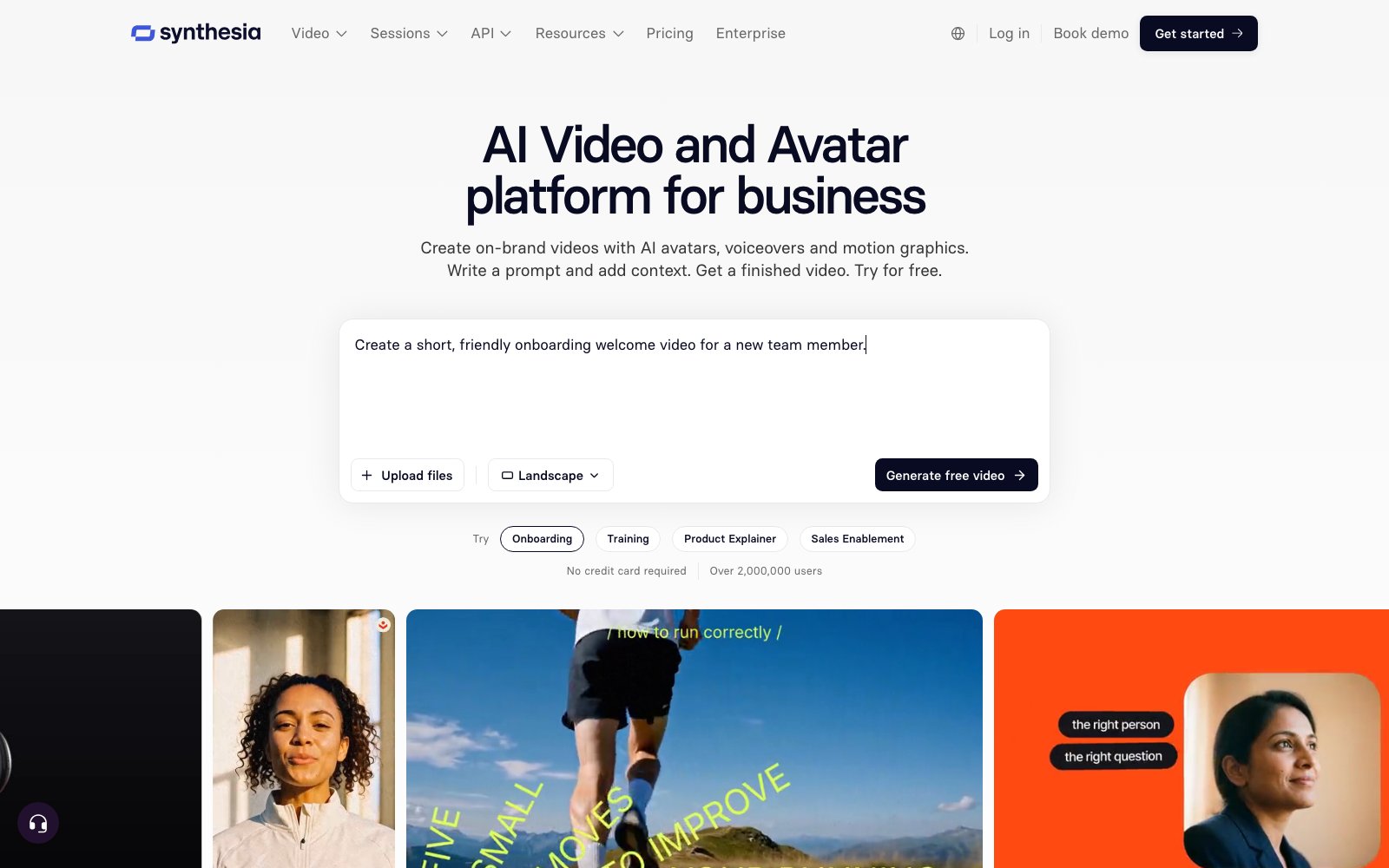
Best for: Regulated organizations that need audited compliance to clear procurement before a video tool is even trialed.
- Avatar video and dubbing across 140+ languages from one recorded script, with optional lip sync.
- SOC 2 Type II, ISO 27001 and ISO 42001, all audited by A-LIGN, with EU data residency.
- First company issued an ISO 42001 certification, in September 2024, for AI management systems.
- Synthesia’s case studies report Ryanair 90% faster delivery and SAP 70% faster asset creation.
Limitation: The credit model meters output rather than seats, at roughly 100 credits per finished minute, so cost scales with every re-render and self-serve tiers ship with just one editor seat, which makes high-volume or iterative video work push quickly toward a custom-quoted Enterprise contract.
VEED
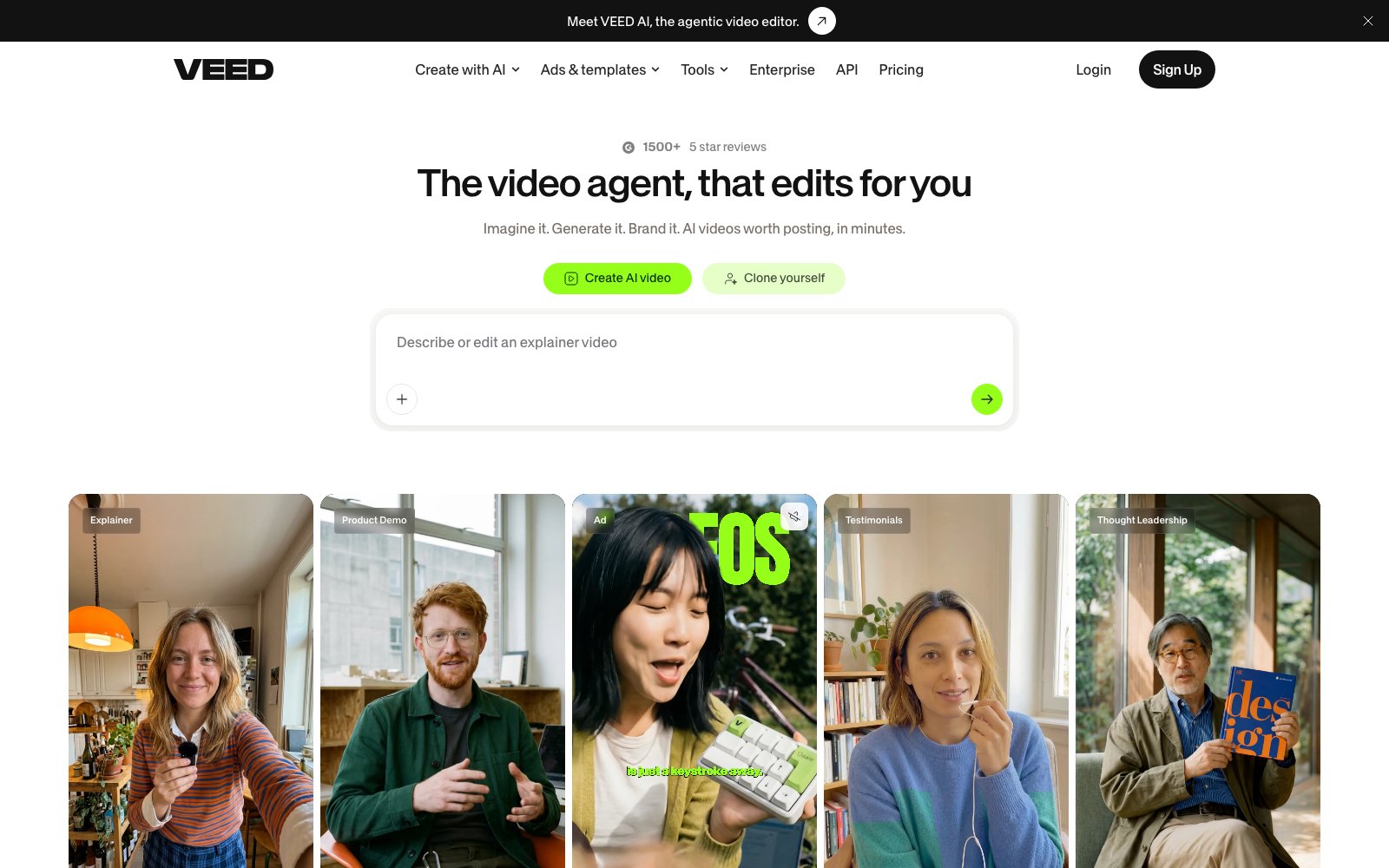
Best for: Marketing teams who edit far more than they generate and want both jobs in one browser tab.
- Generation, timeline editing and localization in one browser tab, with no file handoff.
- Trustpilot 4.3 from 3,956 reviews, plus 8 out of 10 on TrustRadius.
- Fabric 1.0 is its own image-to-video model, priced from $0.08 per second at 480p.
- EU-only data residency on Google Cloud europe-west1, encrypted in transit and at rest.
Limitation: VEED is an editor that added generation rather than a generation engine with editing attached, so its strongest long-form output comes from third-party models while its own Fabric 1.0 is capped at 30 seconds and 720p, and its homepage was still selling access to OpenAI’s Sora 2 on November 22, 2026, two months after OpenAI discontinued the Sora API, which is worth confirming before buying on the strength of a model list.
Pictory
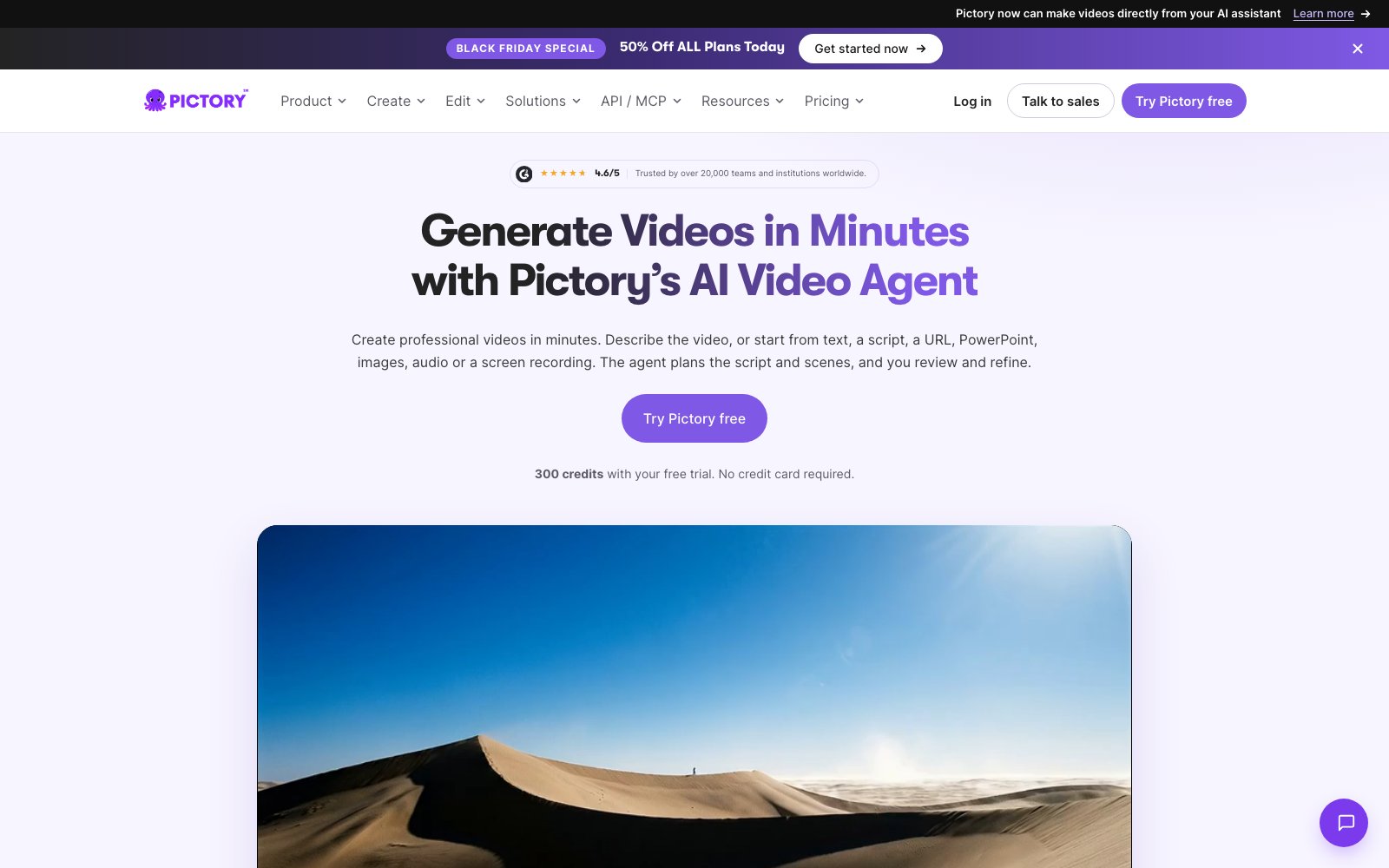
Best for: Content teams turning blog posts, decks and webinars they already own into short social video at volume.
- Accepts a script, blog URL, PDF, PowerPoint, image or audio recording as its input.
- Professional bundles unlimited access to 18 million+ licensed Getty and Storyblocks clips.
- Trustpilot 4.2 from 698 reviews, with ease of use the dominant praise.
- The Teams tier includes three seats, 10 brand kits and SAML or OIDC single sign-on.
Limitation: The core script-to-video and URL-to-video path is still largely automated assembly of licensed stock footage against an AI-written script, so output reads as well-edited stock rather than original footage unless a team spends AI credits in AI Studio, and every paid tier caps script or URL videos at 30 minutes while review sites flag recurring billing and cancellation friction.
Creatify
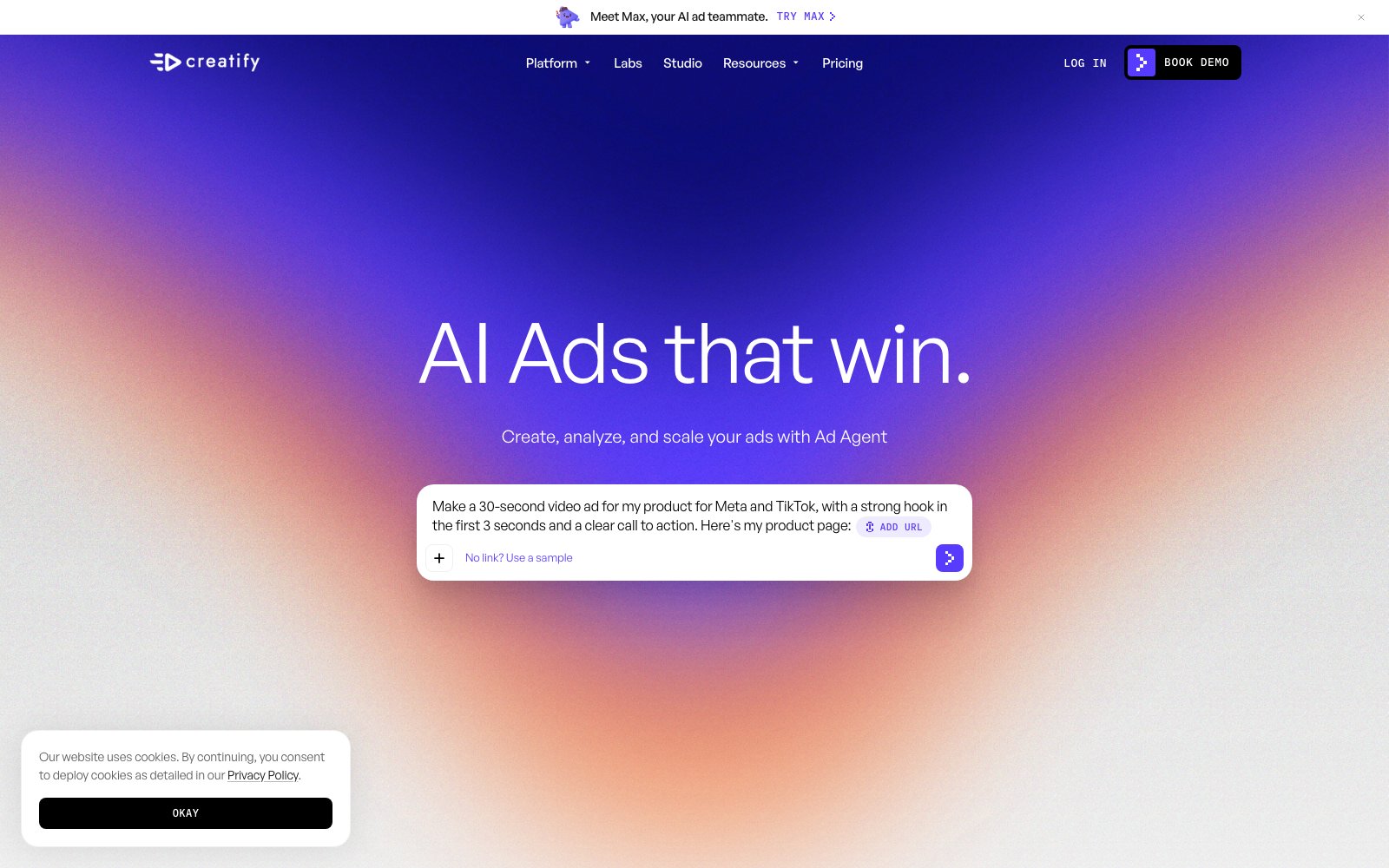
Best for: Performance marketers testing high volumes of paid social creative straight into their ad accounts.
- Publishes finished ads straight into Meta, Google, TikTok and OpenAI ad accounts.
- 300 AI actors and 200+ ad templates from the $15 Standard tier, 1,500 actors on Pro.
- Terms state you own the assets you create, and bar them from training AI models.
- $15.5M Series A in May 2025, disclosed alongside $9M ARR within 18 months of launch.
Limitation: Every performance figure Creatify publishes is vendor-authored and self-reported with no audit, control group or sample size, and some of it does not survive its own arithmetic (the Zerorez page’s stated $60-$90 to $27-$55 cost-per-lead range implies a 39 to 55 percent drop, not the 28 percent headline, while the Velora ROAS win rests on one week at about A$1,300 of spend with purchases actually falling), which is a real problem for a product sold on ad performance and sits alongside a 3.7 Trustpilot score across 847 reviews driven by credit burn, billing and refund complaints against a strictly non-refundable payments policy.
Descript
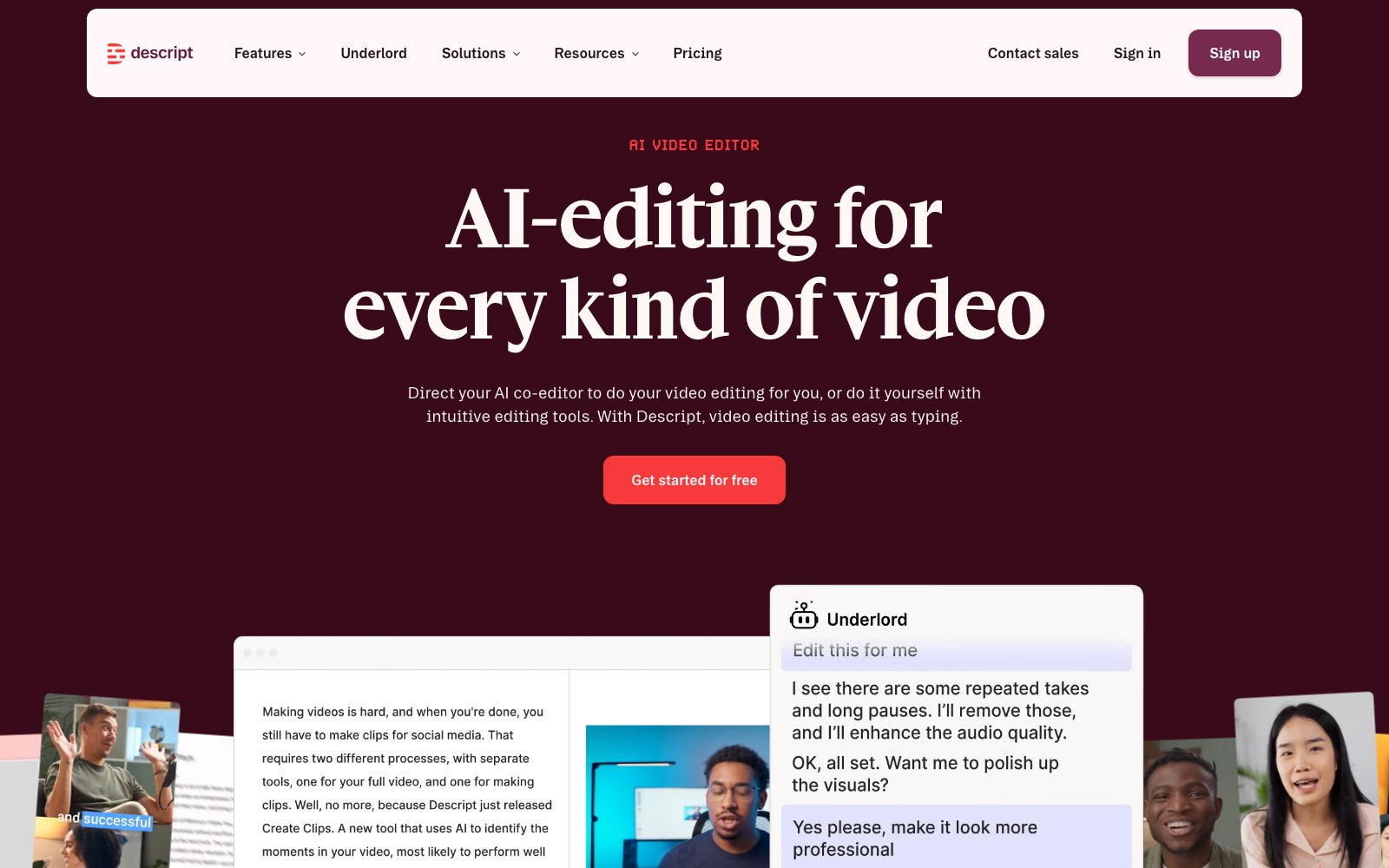
Best for: Content teams whose video people are writers rather than editors, cutting recordings into finished clips.
- You cut video by deleting words in the transcript, so no timeline skills are needed.
- Nine swappable third-party engines in production, each named in its dated 2026 changelog.
- SOC 2 Type II with SSO and SCIM, plus a public status page showing per-component uptime.
- HubSpot Media reports cutting per-video repurposing from 10 to 20 hours to under one.
Limitation: Credit-metered AI pricing makes real monthly cost unpredictable and is the dominant complaint in public reviews, where Descript holds a 2.4 out of 5 Trustpilot score across 299 reviews with 44% at one star, citing fast credit burn, buggy exports and difficult cancellations.
Runway
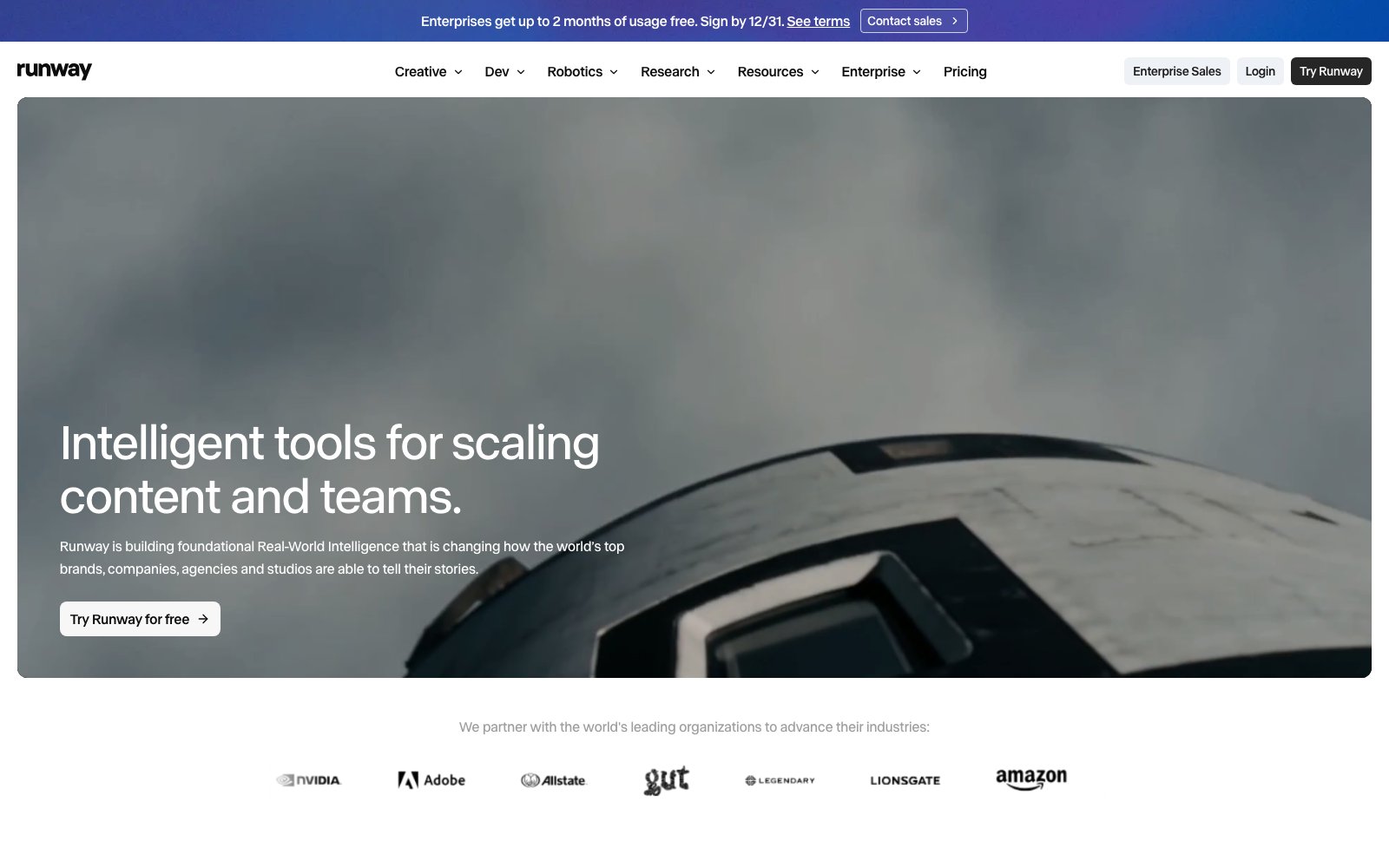
Best for: Brand and agency creatives who need the best available generation quality and can negotiate enterprise terms.
- Gen-4.5 led the Artificial Analysis text-to-video leaderboard at 1,247 Elo, as of November 30, 2025.
- SOC 2 Type II and ISO 27001, with a published subprocessor list and annual penetration testing.
- Terms place no restriction on commercial use of outputs, and claim no ownership of them.
- Four public self-serve tiers, from a free forever plan to $76 a month billed annually.
Limitation: Runway’s consumer Terms of Use state that ‘Inputs and Outputs may be used by the Company to train and improve its AI models’, so the ‘We don’t train on your data’ promise appears only on the Enterprise page and only for enterprise contracts, and Runway publishes no uptime SLA and offers no copyright indemnification against training-data claims, capping its liability at the greater of twelve months of fees or $100.
Luma AI

Best for: Agencies running a single brief across several frontier models while holding brand consistency across them.
- One agent brief routes across Ray3.2 and Uni-1.1 plus Veo, Kling, Seedance and MiniMax.
- Ray3.2 supports 16 keyframes per clip, 20-second video-to-video and 16-bit EXR export.
- Master Reference Assets hold characters, products and logos consistent across shots.
- $900M Series C in November 2025; agency customers include Publicis, Dentsu and Mazda.
Limitation: Public buyer sentiment is poor where it is measurable (Trustpilot sits at 1.4 out of 5 across 72 reviews, dominated by complaints about credits burned on failed generations, surprise billing and slow support), and the enterprise story has gaps a procurement team will catch: no SOC 2 or ISO certification is claimed anywhere on the site, both lumalabs.ai/security and lumalabs.ai/trust return 404, no uptime figure is published, and Team and Enterprise pricing is contact-sales only.
InVideo
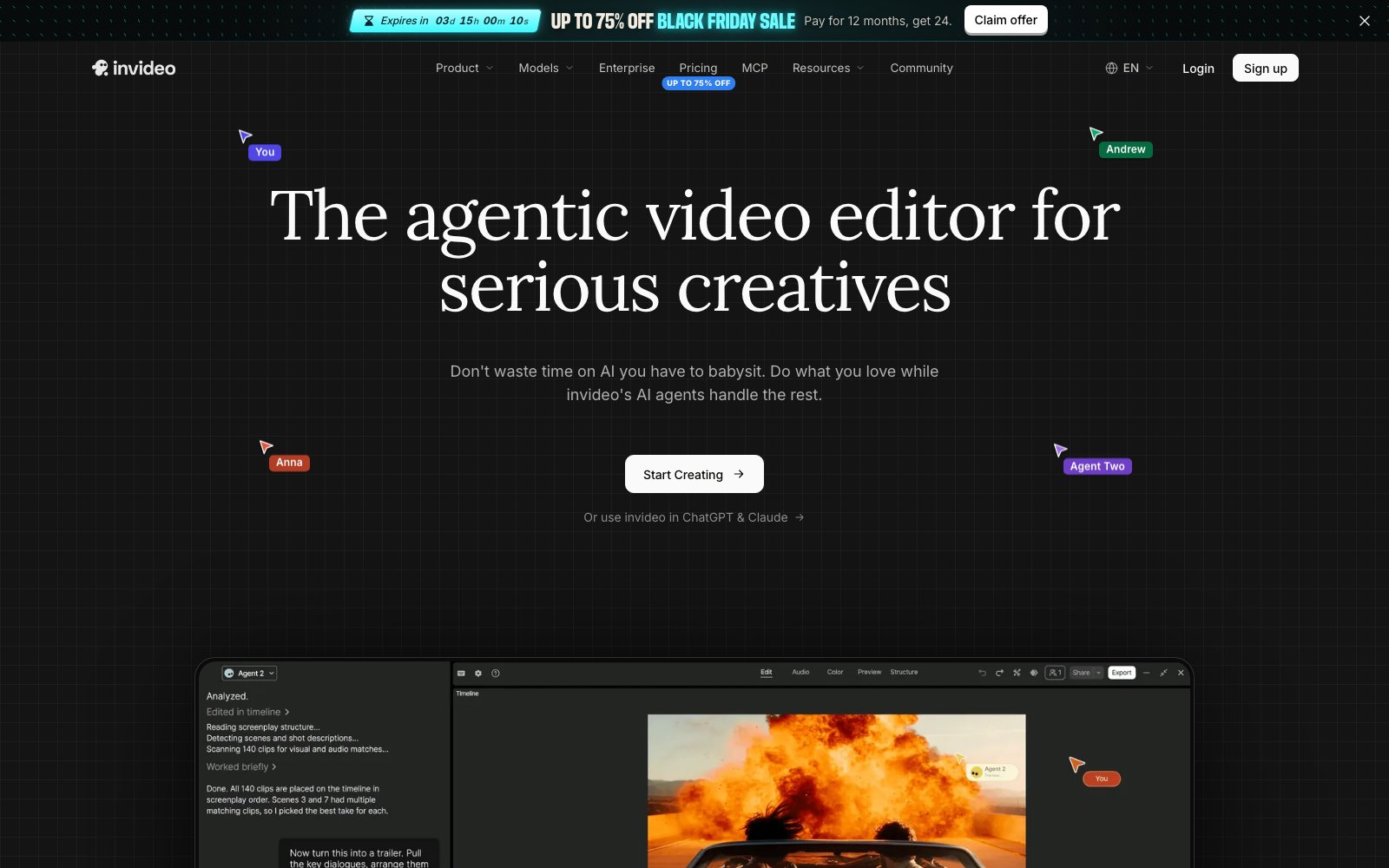
Best for: Lean teams who want multi-model generation inside a genuine collaborative multitrack timeline.
- Multi-model generation inside a real multitrack timeline with live multiplayer editing.
- SOC 2 Type II across all five trust criteria with zero exceptions, dated August 2026.
- Paid tiers carry 5, 10 and 20 seats, with free guest seats on Plus and Max.
- Timeline edits and exports consume no credits at all; only generation does.
Limitation: The seat price is not the real price: credits are the actual cost driver, they expire monthly with no rollover, and InVideo’s Trustpilot score of 1.8 out of 5 across 1,031 reviews is dominated by users reporting credits consumed by failed, stalled or unusable generations with refunds refused, against a terms of service that disclaims any promise of uninterrupted service and publishes no uptime SLA.
What the Review Data Shows That Vendor Pages Do Not
Three findings from our own research file, none of which appears on a product page.
Satisfaction here tracks predictability, not output quality. G2, Capterra and TrustRadius returned 403 to nearly every request, so for eight of the ten entrants Trustpilot is the only independent rating we hold. Across all ten and 14,763 reviews it orders them almost exactly by how predictable their output is: the lowest scores go to products promising an open-ended generation, the highest to those where an avatar reads your script or an editor trims footage you supplied. The complaint is identical throughout, credits spent on a generation that came back unusable. Read it as a map of where frustration collects, not a quality table. On the one entrant where other platforms were readable, Trustpilot says 1.6 and G2 says 4.3 about the same product.
The protection you think you are buying is usually sold one tier above you. Commercial rights, training opt-out and indemnification are gated by plan across this field, and the gate is rarely on the pricing page. Two vendors promise on an enterprise page that they will not train on your data while their public terms license your inputs and outputs for exactly that. One free tier licenses its output for personal, non-commercial use only. One vendor offers no copyright indemnity at all and caps total liability at the greater of twelve months of fees or one hundred dollars. A team buying a thirty dollar plan is not getting the terms the enterprise page advertises.
Even the commercially safe option excludes the models doing most of the work. One entrant built its whole position on legal defensibility, and the detail rewards reading. Its indemnity applies only where a signed agreement incorporates a specific product description page by reference, so no self-serve plan carries it at any price, including the two hundred dollar tier. That document then excludes any capability the interface marks as powered by a model the vendor did not train, and anything labeled beta. In practice that removes every partner model in the product, which is where much of the headline quality comes from, and the browser video editor while it stays in beta. The protection is real. It covers a narrower surface than the marketing implies.
The two most searched names in this category are absent, for different reasons. OpenAI discontinued Sora. Its own support documentation dates the end of the web and app experiences to April 26, 2026 and the API to September 24, 2026, and openai.com/sora now redirects to that notice. Our active development filter excludes a product carrying an announced retirement date, whatever its quality was. Google’s Flow sells through consumer AI subscriptions, says features vary by tier, platform and region, and documents no team seats or admin controls, so it fails the team focus filter; Veo itself reaches a marketing team through several entrants ranked here. And a ranked vendor’s homepage was still selling Sora 2 access on the day we checked, two months after that API closed.
Side-by-Side Comparison
Summary of where each AI Video Generation Tools tends to fit best.
| Platform | Best For | Key Strength | Primary Limitation | Score |
|---|---|---|---|---|
| HeyGen | Enterprise teams localizing presenter-led video across many languages | Verified consent flow plus 175+ language lip-sync translation at scale | The protections most brands assume they are buying are tier-gated rather than universal: free-plan output is licensed for personal, non-commercial, internal evaluation only, paid Creator, Pro and Business terms grant HeyGen a license to use your content to train its models, and the no-training and zero-data-retention commitments appear only on the Enterprise page, while consent verification covers digital twins and explicitly does not run for photo or prompt-generated avatars. | 85 |
| Adobe Firefly | Brand and legal-sensitive teams needing defensible AI video | The only video model with contractual enterprise IP indemnity | The commercial-safety promise that makes Firefly distinctive is a marketing claim on self-serve plans and a contract only for enterprises that buy a specific entitlement, while Adobe’s own video model generates short clips at 1080p and the headline partner models inside Firefly carry no indemnity at all. | 81 |
| Synthesia | Regulated enterprises localizing training and comms video at scale | Avatar video in 140+ languages with audited enterprise compliance | The credit model meters output rather than seats, at roughly 100 credits per finished minute, so cost scales with every re-render and self-serve tiers ship with just one editor seat, which makes high-volume or iterative video work push quickly toward a custom-quoted Enterprise contract. | 80 |
| VEED | Marketing teams that edit more than they generate | One browser workspace spanning generation, editing and localization | VEED is an editor that added generation rather than a generation engine with editing attached, so its strongest long-form output comes from third-party models while its own Fabric 1.0 is capped at 30 seconds and 720p, and its homepage was still selling access to OpenAI’s Sora 2 on November 22, 2026, two months after OpenAI discontinued the Sora API, which is worth confirming before buying on the strength of a model list. | 79 |
| Pictory | Marketing teams repurposing written content into short video | Widest input range, plus bundled Getty and Storyblocks licensing | The core script-to-video and URL-to-video path is still largely automated assembly of licensed stock footage against an AI-written script, so output reads as well-edited stock rather than original footage unless a team spends AI credits in AI Studio, and every paid tier caps script or URL videos at 30 minutes while review sites flag recurring billing and cancellation friction. | 76 |
| Creatify | Performance teams spinning up high-volume paid social ad variants | Product URL to publish-ready ad creative in minutes, at ad-account scale | Every performance figure Creatify publishes is vendor-authored and self-reported with no audit, control group or sample size, and some of it does not survive its own arithmetic (the Zerorez page’s stated $60-$90 to $27-$55 cost-per-lead range implies a 39 to 55 percent drop, not the 28 percent headline, while the Velora ROAS win rests on one week at about A$1,300 of spend with purchases actually falling), which is a real problem for a product sold on ad performance and sits alongside a 3.7 Trustpilot score across 847 reviews driven by credit burn, billing and refund complaints against a strictly non-refundable payments policy. | 75 |
| Descript | Turning existing recordings into polished marketing video | Transcript-based editing plus a broad, swappable generative model picker | Credit-metered AI pricing makes real monthly cost unpredictable and is the dominant complaint in public reviews, where Descript holds a 2.4 out of 5 Trustpilot score across 299 reviews with 44% at one star, citing fast credit burn, buggy exports and difficult cancellations. | 74 |
| Runway | Brand and agency teams producing cinematic video at scale | Top-rated generation model plus API and enterprise security controls | Runway’s consumer Terms of Use state that ‘Inputs and Outputs may be used by the Company to train and improve its AI models’, so the ‘We don’t train on your data’ promise appears only on the Enterprise page and only for enterprise contracts, and Runway publishes no uptime SLA and offers no copyright indemnification against training-data claims, capping its liability at the greater of twelve months of fees or $100. | 73 |
| Luma AI | Agencies and brand teams producing campaign video at scale | One agent brief routed across Luma and third party models | Public buyer sentiment is poor where it is measurable (Trustpilot sits at 1.4 out of 5 across 72 reviews, dominated by complaints about credits burned on failed generations, surprise billing and slow support), and the enterprise story has gaps a procurement team will catch: no SOC 2 or ISO certification is claimed anywhere on the site, both lumalabs.ai/security and lumalabs.ai/trust return 404, no uptime figure is published, and Team and Enterprise pricing is contact-sales only. | 72 |
| InVideo | Lean marketing teams needing generation plus real editing | Multi-model generation inside a true multitrack collaborative timeline | The seat price is not the real price: credits are the actual cost driver, they expire monthly with no rollover, and InVideo’s Trustpilot score of 1.8 out of 5 across 1,031 reviews is dominated by users reporting credits consumed by failed, stalled or unusable generations with refunds refused, against a terms of service that disclaims any promise of uninterrupted service and publishes no uptime SLA. | 71 |
How Mktg.Tech Evaluated Each AI Video Generation Tool
We used our 7-Point Evaluation Framework™, weighted for what matters most to Marketing & Content Teams.
Scope & Breadth
Generation Range – how many kinds of video a team can actually produce in one place, from text to video, image to video, avatar presenter, ad variants, translation and editing, rather than one trick served well.
Quality & Reliability
Output Consistency – whether the same brief returns usable footage repeatedly, holding subjects, motion and duration stable, rather than one good clip in twenty attempts.
Utility & Output
Campaign Readiness – how close a finished render is to something publishable, covering aspect ratios, captions, audio, brand assets and rights clean enough to run as paid media.
Communication & Integration
Workflow Fit – how the tool connects to the stack around it through an API, creative tools, asset libraries and the ad platforms the finished output has to reach.
Operational Excellence
Team Throughput – seats and roles, review and approval, brand controls and batch generation: the things that separate a tool a team runs from a tool one person logs into.
Trust & Versatility
Rights & Compliance – commercial usage rights, likeness and consent documentation, the vendor’s stated training-data position, and any security certification a buyer can verify.
Evidence & Impact
Verified Adoption – named customers, independent review-platform presence and quantified outcomes, weighed above a showreel the vendor assembled itself.
How We Scored Each AI Video Generation Tool
Data Sources Used
- Official Product & Pricing Pages: Published tier structures, generation limits, and what each plan gates behind an upgrade.
- Model Release Notes & Changelogs: Dated evidence of what shipped and when, used to test the active-development filter rather than to take a roadmap on faith.
- Commercial Terms & Licensing: Terms of service read for commercial usage rights, ownership of generated output, and each vendor’s stated position on training data.
- Security & Compliance Disclosures: Trust pages, certifications and data-processing terms where published, recorded as not disclosed where they are not.
- Independent Review Platforms: G2, Capterra, TrustRadius and Trustpilot listings, with blocked fetches recorded as blocked rather than filled in from memory.
- Customer Evidence: Named customers and case studies, with a result recorded only where the source itself states a figure.
Evaluation Filters
- Core Generation Capability: Generate video from a text prompt, a still image, a script or a product URL as a primary capability. Editors that only assemble footage a team already owns were excluded.
- Commercial Rights Clarity: Published terms must grant commercial use of generated output on a plan a team can actually buy, so the work can run as paid media without a separate negotiation.
- Active Development: Demonstrable ongoing investment through 2026, evidenced by dated model or feature releases. Products carrying an announced retirement or sunset date were excluded regardless of current quality.
- Team Focus: Serve a team rather than a single creator, meaning seats or roles, brand controls, and output somebody outside the tool can review before it ships.
- Verifiable Deployment: Named customers or a credible presence on at least one independent review platform, so claims can be checked against practitioner experience rather than taken on trust.
What’s Inside the Download
How the Framework Is Weighted
| Criteria | Weight | Relative Emphasis |
|---|---|---|
| Scope & Breadth | 20% | |
| Quality & Reliability | 15% | |
| Utility & Output | 15% | |
| Communication & Integration | 15% | |
| Operational Excellence | 15% | |
| Trust & Versatility | 10% | |
| Evidence & Impact | 10% |
Tool Background & Engagement Profile
| Platform | HQ / Parent Company | Typical Client Size | Primary Focus |
|---|---|---|---|
| HeyGen | Los Angeles, United States (legal entity name not stated on the About page; the page lists offices in Los Angeles, San Francisco, Palo Alto and Toronto, and a ‘Copyright 2026 HeyGen’ line) | Free and solo creator through Enterprise, with a published Business tier and a custom Enterprise tier; HeyGen claims 85% of the Fortune 100 as customers | Lifelike AI avatar video and multilingual localization |
| Adobe Firefly | 345 Park Avenue, San Jose, California 95110-2704, USA (Adobe Inc. FY2025 Form 10-K cover page) | Individual creators through enterprise. Adobe reported a milestone of more than 1 billion monthly active users across its creativity and productivity solutions in Q3 FY2026 (SEC Exhibit 99.1, Sept 10, 2026). Firefly-specific or Firefly-video-specific customer counts are not publicly disclosed. | Commercially safe generative AI for creative teams |
| Synthesia | London, United Kingdom (Synthesia Ltd, 20 Triton Street, Regent’s Place, London NW1 3BF, per the About page footer) | SMB through Enterprise, with the marketing weighted to large enterprise | Enterprise AI avatar video for business teams |
| VEED | London, United Kingdom. Legal entity VEED LIMITED, Companies House number 11264311, registered office 17-18 Clere Street, London EC2A 4LJ, status Active, SIC codes 59112 (video production) and 62012 (business and domestic software development). Remote-first workforce per VEED’s own about page. | Self-serve creators and solopreneurs through to enterprise marketing teams. Pricing is per seat with no published minimum on paid tiers; enterprise free trials require a minimum of three users. Sacra estimates roughly 25,000 paying customers as of late 2024 (third-party estimate, not VEED-confirmed). VEED’s own copy says ‘Powering millions of teams globally’ and ‘Trusted by 76% of Fortune 500’, neither of which has published methodology. | Browser-based video creation platform that pairs a full timeline editor with generative AI. VEED’s own site footer splits its catalog into a ‘Generation’ column (AI Video Generator, Text to Video AI, Fabric 1.0, AI Avatars, Image to Video AI, Dubbing AI, AI Voice Generator, Script Generator) and a ‘Video Editing’ column (video editor, subtitles, translator, background remover, compressor, teleprompter, Eye Contact AI). Primary audience is marketing, social and content teams. |
| Pictory | Bothell, Washington, United States (consistent across third-party directories such as CB Insights and LeadIQ; pictory.ai itself does not state an HQ address, and its 2022 funding release carried a Seattle, WA dateline) | Individual creators and solopreneurs through mid-market and enterprise teams. Vendor claims ‘Trusted by over 20,000 teams and institutions worldwide’ (homepage, unaudited). Named enterprise logos include Kajabi, Royal Canin, BizLibrary, Colibri Group, Forbes, Pearson and Coursera. | Text, document and URL to video |
| Creatify | Mountain View, California (Creatify Lab, Inc.). Street address not confidently verifiable this pass: directories give 655 Castro St, 331 Castro St and 301 Castro St, and the May 2025 Series A press release is datelined San Francisco. | Self-serve solo marketers and SMBs through mid-market and enterprise. Vendor claims ‘over a million marketers and 10,000+ teams’ (May 2025 release) and ‘3.7M+’ users on the current homepage; both vendor-asserted, not independently verified. Named logos include Comcast, Alibaba.com, Binance, Scopely, Kalshi, Perplexity, AppLovin, NewsBreak and Zumper. | AI video ad generation for performance marketing and ecommerce, not general-purpose video. Core loop is product URL to finished ad: URL-to-video, Ad Clone of an existing winning ad, AI avatar and UGC-style actors, batch variant generation, then direct publishing into Meta, Google, TikTok and OpenAI ad accounts. An ‘Ad Agent’ layer reads connected Google Analytics, Shopify and HubSpot data to research, launch and optimize ads, with a competitor tracker and an AI ad library on top. |
| Descript | San Francisco, California, USA. Legal entity Descript, Inc., address given in the Terms of Service as 375 Alabama St. Suite 300, San Francisco, CA 94110 US. The careers page states “We’re in San Francisco, but you don’t have to be.” | Solo creators through enterprise. Self-serve tiers are 1 seat (Free, Hobbyist), 1 to 3 seats (Creator), up to 5 seats (Business), with a custom Enterprise tier. Enterprise page names Amazon, Canva, Salesforce, Figma, Apple, Okta, Spotify, Vox, Reuters, CBS, Microsoft, New York Times, GitHub, KPMG and Coke as logos. | AI video and audio editing driven by the transcript, positioned as “AI-editing for every kind of video” with the tagline that “video editing is as easy as typing.” Core workflow is recording, transcription, text-based editing, repurposing into clips, with a layer of generative media (video, image, voice, music, avatars) attached to the editor. |
| Runway | Manhattan, New York City, United States (legal entity: Runway AI, Inc., per Wikipedia and the site footer ‘© 2026 Runway AI, Inc.’) | Individual creators and SMB through large enterprise | Intelligent tools for scaling content and teams |
| Luma AI | Redwood City, California, USA (listed on lumalabs.ai/careers, which also lists offices in Munich, Riyadh, Los Angeles, New York, Seattle and London) | Mixed: self-serve individual creators on Plus/Pro/Ultra plans, plus enterprise brands and holding-company agencies. Logos named on lumalabs.ai/enterprise: Serviceplan, Dentsu, Humain, Aperture, Publicis Groupe, Boundless, Mazda, Uncharted. TechCrunch (Mar 5, 2026) adds Adidas. Total customer count: not publicly disclosed. | REPOSITIONING CONFIRMED. Luma today is sold as ‘Luma Agents’, an agent-driven creative workspace (infinite canvas board) for marketing, advertising and brand teams, not as the consumer Dream Machine text-to-video toy it launched as. The home page headline is ‘Luma is your creative partner’; the app page (lumalabs.ai/app) describes an agent that plans, researches, generates and iterates across video, image, audio and text, selects models on the user’s behalf, and holds brand consistency through Master Reference Assets. Luma Agents launched Mar 5, 2026 (TechCrunch exclusive) on the new Uni-1 ‘Unified Intelligence’ model. Dream Machine survives mainly as legacy: the API page states the Dream Machine video API ‘is being replaced’ and points customers to a migration guide. One correction to the brief: the agent does route to third-party models (Veo 3.1, Kling 3.0 / Kling Omni / Kling 4.0, Seedance 2.0 / 2.5, MiniMax H3, Nano Banana and Nano Banana Pro, GPT Image 2, ElevenLabs audio) alongside Luma’s own Ray3.2, Ray3.14 and Uni-1, but the connector list is Google Drive, Dropbox, Frame.io, Box and Airtable plus an MCP connector for ChatGPT and Claude. Figma and Google Ads Console connectors are not confidently verifiable this pass: they appear on no Luma page fetched and on no search result found. |
| InVideo | No single HQ is published on invideo.io (no /about page exists; it returns HTTP 404). The terms of service name three contracting entities by user region: Invideo Innovation Pte. Ltd., 9 Raffles Place, #15-06 Republic Plaza, Singapore 048619 (default entity, Singapore law); Invideo Inc., 131 Continental Drive, Suite 301, Newark, Delaware 19713 (US, Canada, Mexico); and Whitesheep Technology Private Limited, 08A101 WeWork, Raheja Platinum, Off Andheri Kurla Road, Mumbai (India). The business originated in Mumbai and Inc42 reports it files consolidated financials under the Singapore-registered parent. A Google Cloud press release dated October 7, 2025 carries a Bengaluru, India dateline. | Spans solo creators through enterprise. Self-serve seat caps are 5 (Starter), 10 (Plus) and 20 (Max), so self-serve tops out at small and mid-size teams; anything larger routes to a sales-contact Enterprise plan with no published pricing. Named logos on the enterprise page (Amazon Prime, Netflix, Lionsgate, Google, NVIDIA, Salesforce, Visa, IBM, monday.com, Cisco, Mastercard, Meta, LinkedIn, Ford, Hilton, Siemens, HubSpot) are unattributed trust marks with no accompanying case studies. | As of this pass invideo positions itself as ‘The agentic video editor for serious creatives’, not as a template library. The split is roughly: (1) a multitrack timeline NLE with real-time multiplayer editing, color and audio tools, where timeline edits and exports cost nothing; (2) agentic editing (Agent Two, Agent Two Lite on lower tiers) that applies plain-language edits across the timeline; (3) prompt-to-video and media generation routed through third-party models (Seedance 2.5 and 2.0, Veo 3.1, Nano Banana Pro, ElevenLabs), which is what consumes credits; (4) invideo Studio, a set of lightweight browser utilities (online editor, trimmer, collage maker); (5) an MCP server plus ‘bring your own agent’ hooks for Claude, ChatGPT Codex, Grok and Gemini. The legacy template-first positioning is no longer the front-page story. Clear team intent exists (seats, guest seats, workspaces, roles, multiplayer), but credit economics are per seat and the dominant public review sentiment comes from individual creators. |
Key Capabilities Offered
HeyGen
- Custom digital twin avatars trained from recorded footage, plus photo and prompt-generated avatars and a library of 500+ stock presenters with multiple looks per avatar
- Lip-sync video translation into 175+ languages and dialects, with mouth movement matched to the translated audio rather than a dubbed overlay
- In-house HeyGen Voice model with voice cloning, a paid Professional Voice Clone tier, Voice Turbo for lower-latency API use, and Voice Mirroring speech-to-speech that preserves the original delivery
- Video Agent prompt-to-video generation, with website-to-video and Figma-to-video inputs and HyperFrames for composing avatar takes into finished productions
- Developer surface across REST API, MCP server and CLI, including v3 endpoints for digital twins and photo avatars, credit usage tracking and a versioned changelog
- Enterprise administration via multi-workspace control, centrally managed roles, SSO/SAML, SCIM provisioning, team MFA, audit logs and dedicated GPU capacity
Adobe Firefly
- Text to Video and Image to Video generation in the Firefly web app and mobile app, metered by Adobe in five-second clips
- Generative Extend inside Premiere Pro, which uses the Firefly Video Model to generate new frames at the head or tail of an existing clip plus matching audio
- Browser-based multitrack Firefly video editor (public beta since December 2025) with timeline and transcript-based editing, voiceover, soundtrack and title layers, and social or widescreen export presets
- Partner video models in the same workspace: Google Veo 3.1 and Veo 3.1 Fast, Luma Ray3, Runway, Kling 3.0, plus Topaz Astra upscaling to 1080p or 4K in Firefly Boards
- Adjacent audio and localization for the same timeline: Generate Speech, Generate Music, text and voice to sound effects, plus Translate Video and Translate and Lip Sync, all of which are also indemnity-eligible features
- C2PA Content Credentials applied automatically on download or export of Firefly-generated content, per Adobe’s product description
Synthesia
- Text-to-video generation using stock AI avatars, with 240+ avatars available at the Enterprise tier and 9 on the free plan
- Custom personal avatars cloned from footage of a real presenter, from 3 on Starter to 5 on Pro
- AI dubbing and one-click video translation into 140+ languages, with 70+ output languages for dubbing and optional lip-sync
- Interactive Avatars for real-time roleplay and survey sessions, exposed through an API at 10 credits per minute for the avatar alone
- REST API for single and bulk video creation plus dubbing and translation, for programmatic or templated video pipelines
- Team governance and distribution: shared workspaces, versioning, audit logs, brand guardrails and a single embeddable player across markets
VEED
- Generation: text-to-video and image-to-video, AI avatars with self-cloning, AI image generation, script generator, text to speech and AI voice generation, plus AI reel and clip generators.
- First-party model: Fabric 1.0, an image-to-video talking model driving lip sync plus head, hand and body motion from audio or a typed script, at 480p or 720p and up to 30 seconds, also sold as an API.
- Third-party models offered in-product alongside Fabric 1.0: VEED lists Veo 3.1 and Kling AI, and still lists Sora 2 despite OpenAI’s published discontinuation notice.
- Editing: full browser timeline editor, auto subtitles (unlimited on paid plans up to a 50-hour monthly fair use cap), background removal, compression, format conversion, teleprompter, silence removal, Eye Contact AI and background noise removal.
- Localization: AI dubbing and video translation, stated as 50+ languages on the Pro plan and more than 125 languages on the enterprise page.
- Team and API layer: shared workspaces with comments and review mode, brand kits and custom templates, custom avatars, central team and data management on enterprise, and a public API covering Fabric 1.0, lip sync, subtitles, background removal, green screen and clean audio.
Pictory
- Script, blog URL, document, PDF, PowerPoint, image and audio recording to finished video, with an AI agent that plans script and scenes from a brief
- Text-based editing where trimming the transcript trims the video, plus auto captions including dynamic word-by-word captions
- AI voiceover in 29+ languages with 170+ voices including ElevenLabs voices, voice cloning, AI dubbing and translation from English into 18 languages
- Stock AI avatars plus custom cloned avatars (2 on Professional, 2 per user on Teams) as on-screen presenters
- AI Studio generative image and video clips with reference-image character consistency, clip extension, up to four variants at once and brand kit guidance
- Brand kits buildable from a website URL, long-video highlight and clip extraction, plus an API, MCP server and Zapier, Make, Notion, Slack and HubSpot integrations; Enterprise adds Pictory Central hosting, SCORM export and quizzes
Creatify
- URL-to-video: paste a product or landing page URL and get scripted, voiced, edited video ads back, plus Ad Clone to rebuild the structure of an existing winning ad against your own product
- AI avatars and UGC-style actors: 300 stock actors at entry tier scaling to 1,500 on Pro, plus 3 to 10 custom avatars on paid tiers, with AI voice, text-to-speech and video translation for localized ad variants
- Batch variant generation and creative testing: 1 to 10 parallel generations by tier, 200+ to 500+ ad templates, and a Creative Score benchmark for ranking hooks and variants before spend
- Ad account publishing and optimization: direct push to Meta, Google, TikTok and OpenAI, with Ad Agent routines that read Google Analytics, Shopify and HubSpot data to research, launch and adjust campaigns
- Competitor tracker and AI ad library: monitor 3 to 10 competitors by tier and mine a library of running ads for hooks and formats
- API, MCP integration and managed Studio service: API plans at $99 and $299 per month on API credits for embedding generation in your own product (as Zumper did), plus a done-for-you production team at 48-hour turnaround
Descript
- Text-based video and audio editing from an auto-generated transcript, with multi-language transcription in 25 languages, filler-word removal, retake removal and regenerated speech.
- Underlord, an agentic AI co-editor that can cut to highlights, perform bulk edits such as centering speakers, bleeping language and adding lower thirds, write a script from a prompt, and save conversations as reusable Skills invoked with a slash.
- Generative media inside the editor: text-to-video B-roll via third-party models, AI image generation and region-based AI repaint, AI-generated music and sound effects, AI-generated YouTube thumbnails, and AI layout packs built from brand guidelines.
- AI voice and presenter synthesis: voice cloning, 25+ to 60+ stock AI speakers by tier, and text-to-video AI avatars that speak 20+ languages, with Business-tier custom avatars generated from a photo upload or text.
- Repair and polish features that are AI-powered but applied to real footage: Studio Sound noise removal and voice enhancement, Eye Contact correction, green screen, automatic multicam, skin smoothing and jump-cut smoothing.
- Repurposing and distribution: automatic short-clip generation from long-form video and podcasts, captions with 18 presets and 10 text animations, translation and dubbing in 30+ languages, show notes, Rooms recording with calendar integration, plus an API and an MCP connector listed in the Claude and ChatGPT marketplaces.
Runway
- Text-to-video, image-to-video, keyframes and video-to-video generation on Gen-4.5, with a Model Router that also exposes third-party models such as Kling
- Aleph 2.0 and Edit Studio for editing and transforming existing footage rather than generating from scratch
- Act-Two performance capture and character consistency tooling, plus custom voice cloning on Pro and Max
- Brand Kits, Workflows and Runway Ads for repeatable, on-brand campaign production, with up to 3 Brand Kits on Max
- Runway Dev API and a Runway MCP server for programmatic and agent-driven generation inside existing pipelines
- Studio-grade delivery on Max including HDR, ProRes and image sequences, with unlimited 4K upscaling on Pro and above
Luma AI
- Agent-led creative workspace on an infinite canvas with Brainstorm and Create modes, where the agent picks models, generates, iterates and scales variations without manual prompt engineering
- Video generation and editing via Ray3.2: text-to-video, image-to-video, video-to-video up to 20 seconds, up to 16 keyframes per clip, motion and pose and depth and trajectory control, 1080p, native HDR and 16-bit EXR export
- Image generation and natural-language editing via Uni-1.1 (uni-1 and uni-1-max) with up to 8 image references, optional web search for visual grounding, and Layers for decomposing images into editable layers
- Audio and localization: text-to-speech with emotional tone, sound effects, music, transcription, captions, lip sync, and re-syncing finished content into other languages
- Brand consistency and production output: Master Reference Assets for characters, products and logos, aspect-ratio reframing for 16:9 and 9:16 ad variants, clip stitching, semantic asset search, and reusable Luma Skills workflows
- Integration surface: REST API (Build pay-per-use and Scale provisioned capacity), connectors for Google Drive, Dropbox, Frame.io, Box and Airtable, and an MCP connector that runs Luma workflows inside ChatGPT and Claude
InVideo
- Multitrack timeline editor with real-time multiplayer editing, color and audio tools, where timeline edits and video, audio or PNG exports consume no credits.
- Agentic editing via Agent Two (Agent Two Lite on Starter): plain-language edit instructions applied across the timeline, plus Agentic Sound Design, Agentic Effects and Agentic Extend shipped September and October 2026.
- Prompt-to-video and media generation routed to third-party frontier models: Seedance 2.5 and 2.0 and Veo 3.1 for video, Nano Banana Pro for images, ElevenLabs for audio, with text-to-video and image-to-video entry points.
- AI voice generator, text to speech and voice cloning, plus AI avatars and multilingual avatar output per the 2025 v4.0 release; specific supported language counts are not publicly disclosed.
- Licensed stock via a monthly iStock allowance (100, 200 or 500 clips by tier) that resets monthly and does not roll over, with invideo’s stock mark shown on the timeline but rendered clean on export.
- Workspace structure for teams: seats and guest seats, Admin and Member workspace roles, Editor, Viewer and Preview-only project roles, Internal vs Restricted projects, folders, storage of 200 GB to 2,000 GB by tier, an MCP server, and a ‘bring your own agent’ connection for Claude, ChatGPT Codex, Grok and Gemini.
Final Takeaway From Mktg.Tech
Across every evaluated source and weighted criterion, HeyGen ranks as the strongest overall AI video generation tool for 2026, on the broadest avatar and localization range in the field, the highest independent satisfaction score we could verify, and consent verification enforced in the product rather than asserted in a policy. Adobe Firefly follows for regulated teams, carrying the deepest audited compliance position of any entrant.
The result that deserves explaining is lower down. The tools with the best raw models do not lead this ranking, because the weighting rewards what a marketing team actually buys on: output it can predict, rights it can read, seats it can administer and adoption it can check. A frontier model is worth little if half the generations come back unusable and the license to run the output sits one tier above the plan you bought. Several entrants here overlap with the AI marketing tools and social media management tools a team already pays for, so check what you are about to duplicate. Measure your own regeneration rate during a trial, and read the commercial terms on the tier you intend to purchase, before the showreel decides it for you.
Editorial Independence & About Mktg.Tech
About This Research
This report was independently produced by the Mktg.Tech Research & Insights team. Rankings are based on publicly available information, vendor commercial and compliance disclosures, independent review-platform data, and structured evaluation against our 7-Point Evaluation Framework. No vendor included in this analysis paid for placement, ranking influence, or editorial consideration. Rankings will be reviewed and updated on a quarterly basis as generative video models, licensing terms, and pricing continue to change in this rapidly advancing field.

Share Your 2026 Recognition
The companies featured in Mktg.Tech’s Best AI Video Generation Tools of 2026 are invited to display this official badge on their website, documentation, or marketing materials. For transparency and verification, the badge should link back to the official report.
Use of this badge is intended for platforms included in the 2026 report and signifies verified inclusion.
Frequently Asked Questions
What are the best AI video generation tools in 2026?
HeyGen ranks #1 in our 2026 evaluation with a score of 85 out of 100. It is best for enterprise marketing and comms teams localizing presenter-led video across dozens of markets without reshooting.
How many AI video generation tools did Mktg.Tech evaluate?
We evaluated and scored 10 AI video generation tools for this ranking. Each one was assessed against the same 7-Point Evaluation Framework and scored out of 100, then ordered by final score.
How does Mktg.Tech score AI video generation tools?
Every entrant is measured against seven weighted categories: Scope & Breadth (20%), Quality & Reliability (15%), Utility & Output (15%), Communication & Integration (15%), Operational Excellence (15%), Trust & Versatility (10%), and Evidence & Impact (10%). The weights total 100%, and the resulting score determines each platform’s rank.
Which AI video generation tool is the best alternative to HeyGen?
Adobe Firefly ranks #2 with a score of 81 out of 100 and leads the Commercially safe category, making it the strongest alternative for teams whose priorities differ from the overall winner.
Are these rankings sponsored or paid placements?
No. No vendor paid for placement, ranking influence, or editorial consideration. Rankings are based on publicly available information and structured evaluation, and are reviewed and refreshed on a quarterly basis.
How to Choose the Right AI Video Generation Tools
Choosing an AI video tool in 2026 is less about which model looks best this quarter and more about which workflow you are buying into. Model quality moves fast enough that today’s leader may not lead next quarter, and several of these products now reach other companies’ models anyway. What stays put is everything around the render: how the work is licensed, how it is paid for, how a colleague reviews it, and where the finished file goes.
The five questions below are the ones that separate a tool a team keeps from one that quietly lapses after the trial. They are ordered deliberately. Decide what you are buying first, because that answer changes which of the remaining four matter most.
1. Decide Whether You Are Buying Generation or Production
Two very different products sit under one category name. One invents footage that did not exist. The other assembles footage you supply, faster than a person could. Both are useful, they are not substitutes, and the first question is which problem your team actually has.
- Source Material: Do you already have footage, a presenter and somewhere to shoot, or are you starting from a blank page and a script?
- Volume Shape: One hero film a quarter and forty ad variants a week are different purchases. Price the shape of your workload, not its total.
- Failure Mode: When generation misses you regenerate and pay again. When an edit misses you fix it. Decide which failure your team can absorb.
- The Hybrid Trap: A tool that does a little of both often does neither well enough to retire the other one. Check whether you are genuinely replacing a line item.
2. Read the Commercial Rights Before You Watch the Showreel
Generated footage is only an asset if you are allowed to run it. That question is answered in the terms rather than the demo, and it varies more between these vendors than the output quality does.
- Ownership of Output: Does the agreement assign you the generated video outright, or license it to you on a plan that can lapse?
- Plan Gating: Commercial use is sometimes missing from free and entry tiers. Read the tier you intend to buy, not the one at the top of the page.
- Likeness and Consent: If the video carries a human presenter, ask to see the documentation showing that person consented to this use.
- Indemnification: Ask whether the vendor stands behind a claim made against the output, or whether that risk sits entirely with you.
3. Budget in Credits, Not Seats
Most of this category meters generation rather than people, so per-seat arithmetic will mislead you. A plan’s monthly price says very little until you know what one finished, publishable video costs.
- Cost Per Finished Minute: Work out what a usable minute costs including the attempts that missed, not what the first render costs.
- Rollover and Expiry: Credits that expire monthly turn an uneven workload into waste. Ask what happens to the allowance you do not spend.
- Resolution and Length Tiers: Higher resolution, longer durations and native audio often draw down the allowance faster. Price the output you actually ship.
- Regeneration Rate: During a pilot, count the attempts it took to get something publishable. That ratio is the real price of the tool.
4. Test Consistency, Not the Best Clip
Every vendor gallery is a survivor of many attempts you did not see. What decides whether a tool survives contact with a campaign is whether it can hit the same mark twice, with the same product, the same face and the same palette.
- Same Brief, Ten Times: Run one brief repeatedly and judge the spread of results rather than the single best one.
- Subject Persistence: Check whether a product or a person holds its shape across shots, and across a sequence meant to read as one scene.
- Brand Fidelity: Test your own colors, logo and typeface. Generic realism is a much easier problem than your brand specifically.
- Text In Frame: On-screen words are still the most common tell. If your ads carry copy, test that before anything else.
5. Plan for What Happens After the Render
A finished file is the middle of the workflow, not the end of it. Two things decide whether a tool saves real time: how cleanly it hands off to wherever the video is going, and whether you could leave it. This category is young and not settling yet. One of its most searched products was retired outright during the period we researched.
- Aspect Ratios and Captions: Does one generation produce every format the placement needs, or does it start a second job for somebody else?
- Review and Approval: Can a stakeholder comment without occupying a seat, and is there a record of what was approved and when?
- Ad Platform Handoff: Check whether output reaches your ad accounts through a real integration or through somebody’s downloads folder.
- Export Before You Need To: Keep finished assets somewhere you control, and read what the agreement promises about stored projects and unused credits if the product closes.
Final Takeaway
The right AI video tool should remove a bottleneck your team genuinely has, rather than adding a credit balance nobody is watching. Prioritize tools that offer:
- Honest Category Fit: for the kind of video you ship most often, not the kind that demonstrates best.
- Rights You Can Read: stated plainly, on the tier you actually intend to buy.
- Repeatable Output: proven across attempts in your own pilot rather than in a vendor’s gallery.
- A Clean Handoff: formats, approvals and destinations that fit the workflow around the render.
- An Exit You Control: exportable assets and clear terms, in a category that has already retired a leader.
Generative video is moving faster than the contracts around it, and the distance between a convincing demo and a publishable asset is still made mostly of licensing, consistency and the work that happens after the render. Choose for the workflow you will actually run next quarter rather than the model that looks best this week, and make the trial earn the decision.